Vending Machine Inventory Management Software: How It Works and What to Look For
Vending inventory software simplifies stock tracking, sales monitoring, and restocking across multiple machines. It helps reduce stockouts, save time, and improve operational efficiency.
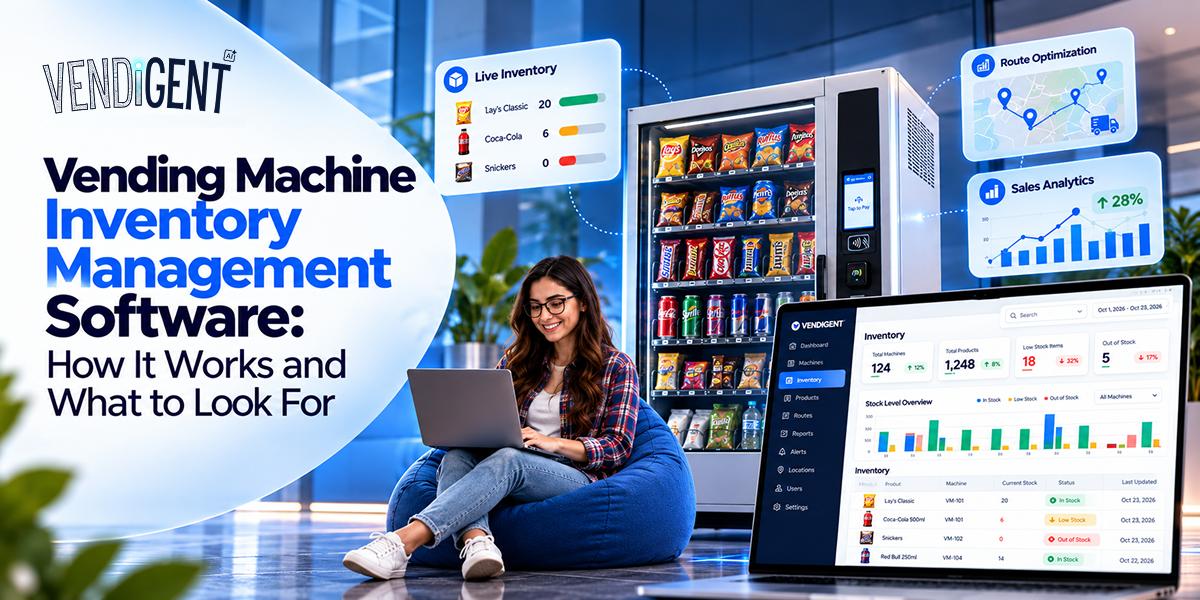
Managing inventory across multiple vending machines can be challenging when stock is tracked manually. As a business grows, spreadsheets and manual checks can make it harder to monitor sales, identify low‑stock machines, and plan timely restocking.
Vending machine inventory management software simplifies this process by bringing inventory, sales, restocking, and machine data into one system.
This guide explains how it works, what you can track, and which features can make daily operations easier.
What Is Vending Machine Inventory Management Software?
Vending machine inventory management software is a digital system used to monitor and manage products stocked in vending machines and related storage locations.
Instead of relying entirely on physical checks, operators can use software to view stock levels, track product movement, identify low‑stock items, and plan restocking activities.
Depending on the system and machine setup, inventory data can come from sales transactions, telemetry devices, operator updates, or integrations with vending hardware.
For businesses operating multiple machines, this creates a centralized view of inventory and makes it easier to understand what is happening across different locations.
How Does Vending Machine Inventory Tracking Work?
Vending machine inventory tracking starts with recording the products loaded into each machine. When products are sold, the system can update inventory based on transaction data.
Connected machines can provide additional information through telemetry, allowing operators to monitor machine activity remotely. If a machine is not connected, staff can also update quantities manually through a dashboard or mobile application.
A typical process looks like this:
- Product Loaded
- Scale Recorded
- Inventory Updated
- Low Stock Identified
- Restocking Planned
This reduces the need to visit every machine simply to check whether products are running low.
The level of automation depends on the vending hardware, payment system, connectivity, and software being used.
Why Is Vending Inventory Management Important?
Inventory directly affects the performance of a vending operation. If popular products run out, customers may not find what they want. On the other hand, carrying too much stock can increase storage requirements and create unnecessary product waste.
Effective vending inventory management helps operators maintain an appropriate stock level while making better use of their time and resources.
Some of the main benefits include:
Fewer Stockouts
Low‑stock alerts can help operators identify products that need attention before a machine becomes empty.
Better Restocking Decisions
Sales and inventory data can show which products move quickly at particular locations. Operators can use this information when preparing refill quantities.
Less Unnecessary Travel
Instead of checking every machine on a fixed schedule, operators can prioritize locations that actually require attention.
Better Product Planning
Historical sales data can reveal demand patterns and help operators decide which products should receive more or less space.
Improved Visibility
A centralized system provides a clearer picture of inventory across machines, locations, and storage areas.
Reduced Product Waste
Tracking expiration dates and slow‑moving products helps operators reduce excess stock, prevent unnecessary spoilage, and minimize inventory losses.
What Can You Track With Vending Machine Inventory Software?
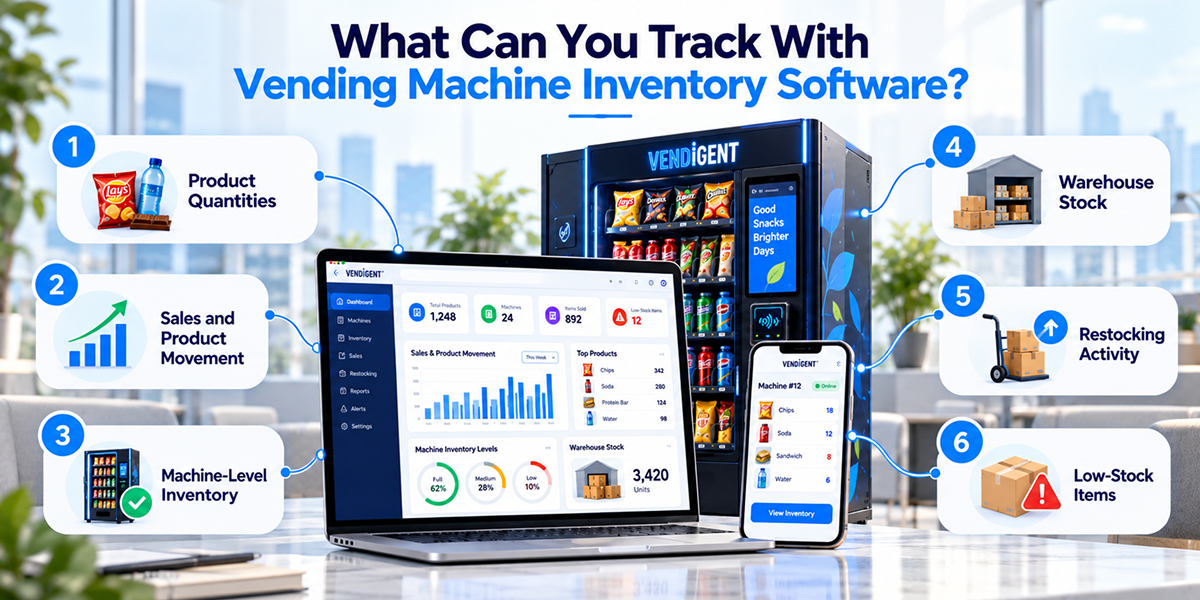
The exact capabilities depend on the platform, but modern systems can track much more than the number of products inside a machine.
Product Quantities
Operators can monitor how many units of each product are available and identify items that need replenishment.
Sales and Product Movement
Sales data can help show which products are selling quickly and which products are moving slowly.
Machine‑Level Inventory
Businesses with multiple locations can organize inventory by individual machine, making it easier to determine which machines require restocking.
Warehouse Stock
Some systems also allow operators to track products held in a warehouse or storage facility before they are distributed to machines.
Restocking Activity
Operators can record when a machine was serviced, which products were added, and how much inventory was replenished.
Low‑Stock Items
Automated alerts can notify operators when products reach predefined stock thresholds.
Key Features to Look for in Vending Machine Management Software
Not every vending business needs the same software capabilities. A small operator with a few machines may have different requirements from a company managing hundreds of machines across multiple locations.
However, several features can be particularly useful.
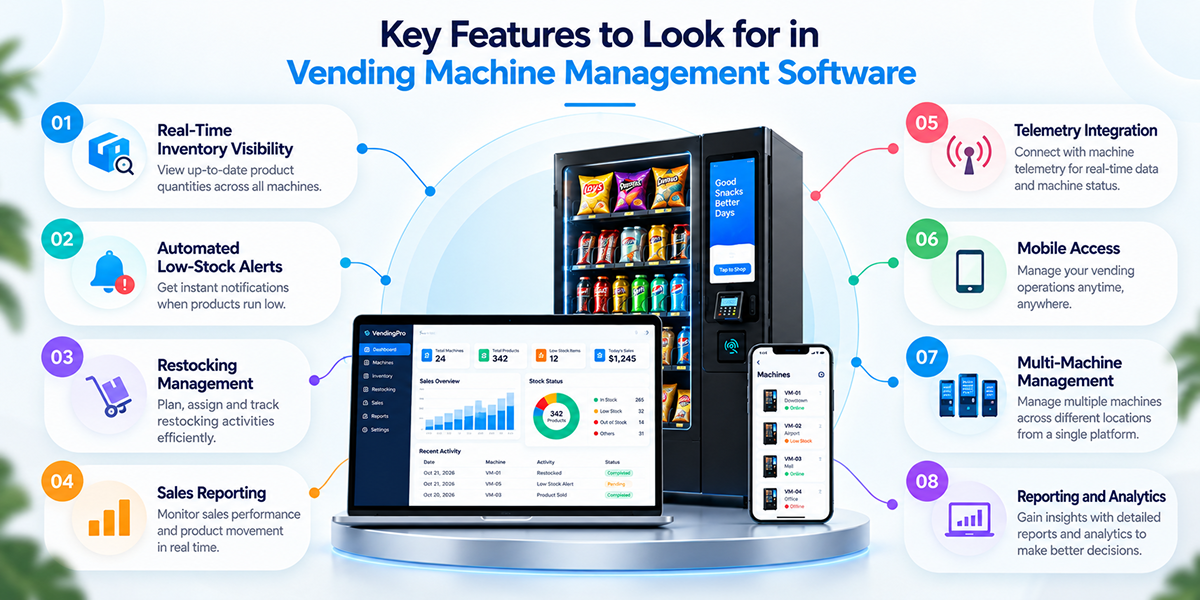
Real‑Time Inventory Visibility
A dashboard should make it easy to see current or recently reported stock levels without manually checking multiple records.
Automated Low‑Stock Alerts
Notifications can help operators identify machines or products that require attention.
Restocking Management
The software should support the process of deciding what needs to be restocked and where. Some systems can generate restocking lists based on inventory and sales data.
Sales Reporting
Sales reports provide useful context for inventory decisions. Operators can compare product performance across machines, locations, or time periods.
Telemetry Integration
Telemetry allows connected vending machines to send operational and sales information to a central platform. This can improve remote monitoring and reduce dependence on physical inspections.
Mobile Access
A mobile application can help drivers and technicians access inventory information while they are visiting machines and completing restocking tasks.
Multi‑Machine Management
For growing businesses, the ability to manage machines from a centralized system becomes increasingly important. Operators can organize machines by location, route, or other business requirements.
Reporting and Analytics
Historical data can help businesses understand product demand, identify trends, and make more informed inventory decisions.
Manual Inventory Tracking vs. Software‑Based Management
Manual tracking can work for a small vending operation, especially when there are only a few machines. Operators may use spreadsheets, paper records, or regular physical checks to monitor stock.
However, the process becomes more difficult as the number of machines increases.
| Factor | Manual Tracking | Software‑Based Management |
|---|---|---|
| Stock updates | Manual | Automated or manual |
| Low‑stock alerts | Usually manual | Can be automated |
| Multi‑machine visibility | Limited | Centralized |
| Sales data | Separate records | Integrated reporting |
| Restocking | Manually planned | Data‑assisted |
| Historical analysis | Time‑consuming | Easier |
| Remote monitoring | Limited | Available with connected systems |
Software does not eliminate the need for physical restocking. Instead, it can help operators decide where to go, when to go, and what products to take before a route begins.
How Does Telemetry Improve Vending Machine Inventory Tracking?
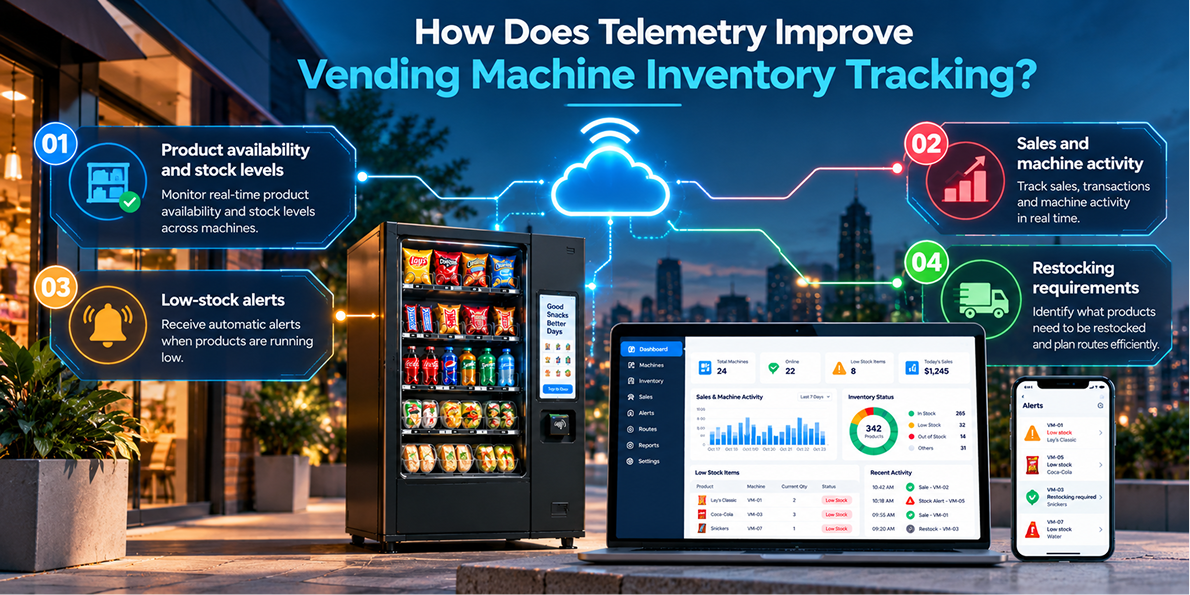
Telemetry connects vending machines to software, allowing operators to monitor data remotely. It can provide information about:
- Product availability and stock levels
- Sales and machine activity
- Low‑stock alerts
- Restocking requirements
This helps reduce unnecessary site visits and makes inventory tracking more efficient. Before choosing a system, check that its telemetry supports your vending hardware, payment systems, and connectivity options.
How to Choose the Best Vending Machine Inventory Management Software
The right software depends on the size and operating model of the vending business. Instead of choosing a platform based only on the number of features, consider how well it fits your existing machines and workflows.
Consider Your Number of Machines
A small operation may only need basic inventory tracking, while a larger network may require centralized dashboards, route management, advanced reporting, and multiple user accounts.
Check Hardware Compatibility
Make sure the software can work with your vending machines, controllers, payment systems, and telemetry devices.
Look at Inventory Automation
Consider whether stock levels can be updated automatically or whether employees need to enter information manually.
Review Reporting Features
Useful reports should help you understand product sales, machine performance, stock movement, and restocking activity.
Consider Mobile Support
If drivers or technicians regularly work in the field, mobile access can make inventory updates and service tasks easier.
Evaluate Scalability
Your requirements may change as the business grows. A system that works for ten machines may not provide enough functionality for several hundred.
Check Integration Options
If you already use accounting software, payment systems, ERP platforms, or other business tools, check whether the vending software can integrate with them.
Compare Pricing and Support
Compare setup fees, subscription costs, and additional charges. Check customer support, software updates, and technical assistance for long‑term reliability.
How Can Inventory Software Reduce Restocking Problems?
Restocking is one of the most important operational tasks in a vending business. Sending a driver to a machine without knowing what it needs can result in wasted time, incomplete refills, or unnecessary trips.
Inventory software can combine stock and sales information into a more organized workflow. Operators can:
- Identify machines with low inventory before planning a route.
- See which products need to be replenished.
- Prepare restocking lists based on current stock levels.
- Assign machines to drivers or specific routes.
- Review sales history to understand product demand at different locations.
- Use past inventory data to plan future refill quantities.
Over time, this information can help operators understand how much stock different locations typically require. As a result, restocking becomes more data‑driven instead of relying entirely on fixed schedules or assumptions.
Is Vending Machine Inventory Software Worth It for Small Businesses?
The answer depends on the number of machines and how much time is spent managing inventory.
For a business with only a few machines, manual tracking may be sufficient. As the operation expands, however, maintaining accurate inventory records becomes more difficult.
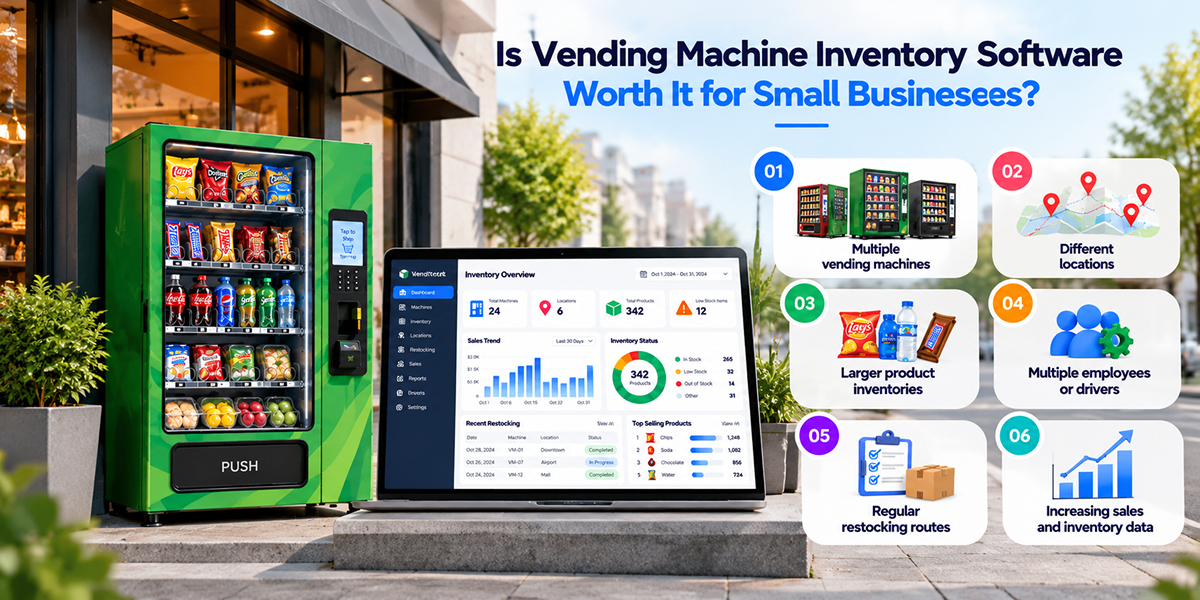
Software can become more valuable when an operator needs to manage:
- Multiple vending machines
- Different locations
- Larger product inventories
- Multiple employees or drivers
- Regular restocking routes
- Increasing sales and inventory data
The key is to choose software that solves the operational problems the business actually has rather than paying for features that are not needed. For smaller operators, starting with essential inventory and reporting features can be enough, while larger operations may benefit from automation, telemetry, route management, and advanced analytics.
Final Thoughts
As a vending business grows, managing inventory across multiple machines, products, and locations can become challenging. Inventory management software can simplify tracking, sales monitoring, and restocking by providing centralized visibility.
When choosing a platform, consider your workflow, hardware compatibility, automation, reporting needs, and future growth. The right solution can save time and support smarter restocking decisions.
Frequently Asked Questions
What Is Vending Machine Inventory Management Software?
Software that helps operators monitor stock, sales, and restocking from a centralized system. Vendigent brings all of this into one intelligent platform.
How Do You Track Inventory in Vending Machines?
Through manual updates, sales transactions, or telemetry data. Vendigent supports both manual and connected tracking workflows.
Can Vending Inventory Management Software Work Without Telemetry?
Yes. Some systems allow manual inventory updates. Vendigent works with or without telemetry, adapting to your setup.
How Does Vending Software Help Prevent Stockouts?
By monitoring inventory levels and providing low‑stock alerts. Vendigent flags short‑expiry and aged inventory to prevent losses.
Can Vending Machine Software Manage Multiple Machines?
Yes. Vendigent provides a single view of machine activity, inventory, sales, and locations across your entire operation.
Can Vending Inventory Software Track Warehouse Stock?
Some platforms do. Vendigent tracks product movement from warehouse to machine for complete inventory visibility.
What Is the Difference Between Vending Inventory Software and Vending Management Software?
Inventory software focuses on stock and replenishment. Vendigent is a full management platform including machines, sales, payments, routes, customers, and reporting.
How Can I Choose the Right Vending Inventory Software?
Assess your machine count, workflow, integrations, and growth plans. Vendigent scales from single machines to fleets managing thousands of machines.
Simplify Vending Inventory Management With Vendigent
Take control of your vending inventory with Vendigent. Track stock levels, monitor sales, manage restocking, and oversee multiple machines from one centralized platform.